

Design Social Media Graphics with Spectra
Create scroll-stopping visuals sized perfectly for every major platform
Platform Sizes at a Glance
Getting the right dimensions is the first step to professional-looking social media graphics. Spectra's custom size controls let you match any platform's requirements.
For Instagram and Facebook square posts, use 1080 x 1080. For Instagram Stories, TikTok, and Pinterest pins, use 1080 x 1920 (vertical). Facebook and LinkedIn link previews use 1200 x 630, while YouTube thumbnails and LinkedIn banners look best at 1920 x 1080.
Set your dimensions before choosing a style — some patterns look quite different depending on the aspect ratio, so it helps to see the final proportions from the start.
Attention-Grabbing Styles
Social media moves fast, and your visuals need to stop the scroll. Bold, high-contrast styles tend to perform best for catching attention in crowded feeds.
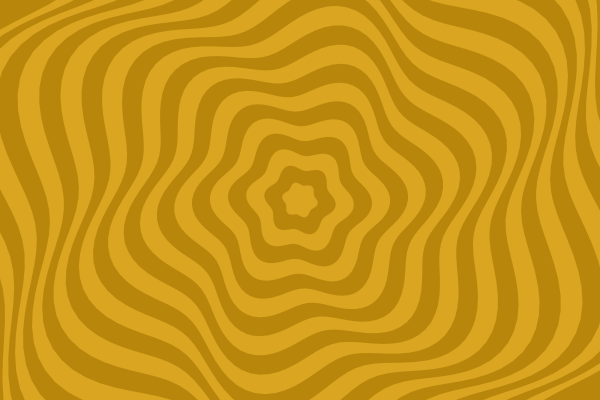
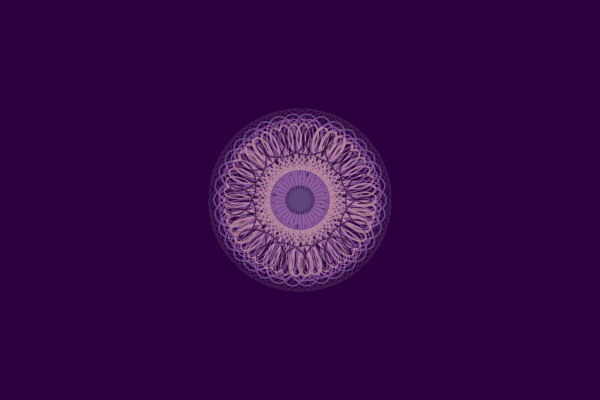
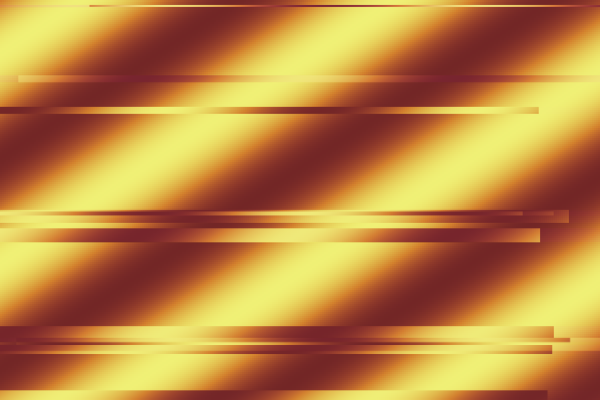
Try Op Art and Kaleidoscope for eye-catching geometric patterns, or Flow Fields and Spirograph for elegant, dynamic compositions. Pixel Sorting and Chromatic Aberration create trendy, contemporary looks that stand out on image-heavy platforms like Instagram.
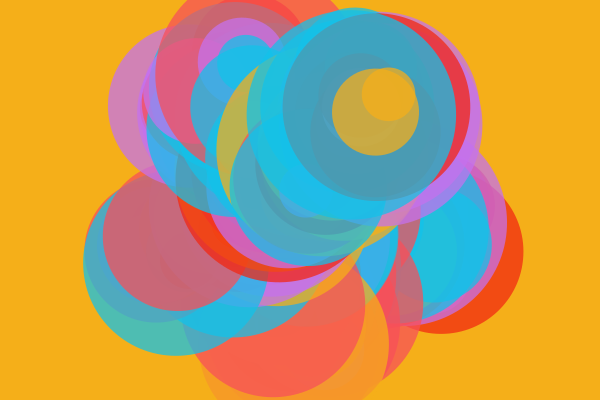
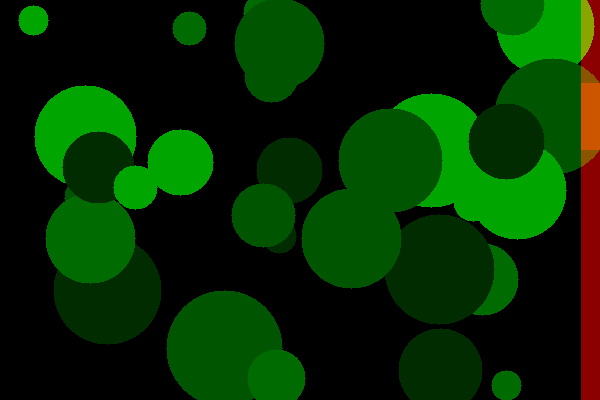
For a more refined aesthetic, Circle Packing and Phyllotaxis produce organic, nature-inspired patterns that feel modern without being overwhelming.
Consistent Branding Across Posts
Building a recognizable visual identity on social media means your posts should feel like they belong together, even when using different images.
The easiest approach: pick your brand color as the seed color and keep the same harmony mode across all your posts. Then simply change the style for each new graphic. Because the color palette stays consistent, the images naturally feel cohesive even with completely different patterns.
For a monochrome aesthetic, turn on the Grayscale toggle — this creates sophisticated black-and-white compositions that pair well with bold typography overlays.
Download and Export Tips
Choose the right format for your use case. PNG is best for styles with sharp edges and flat color areas — geometric patterns, grids, and tiling designs stay crisp. JPG works well for gradient-heavy and noise-based styles where file size matters more than pixel-perfect edges.
All Spectra images are royalty-free and require no attribution. You can use them directly as post backgrounds, combine them with text and logos in your favorite design tool, or layer them with photos for composite effects.
Remember that you can always recreate any image later by saving the seed number or sharing the link.