

How to Embed the Tone Generator Widget
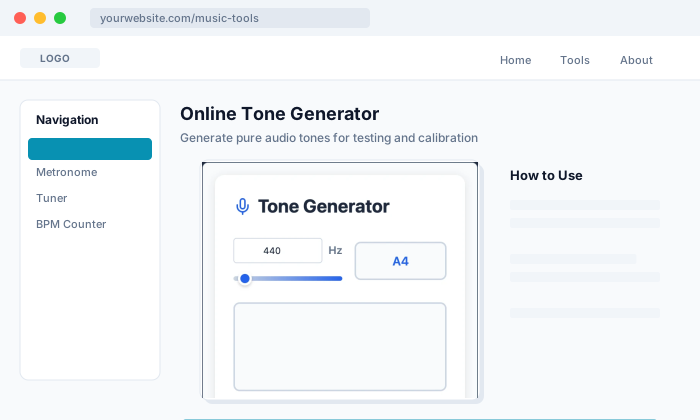
Add audio testing and tone generation to your website
Get Embed Code
Copy the iframe code to embed on any website
Perfect For
Music Education
Teach frequency, pitch, and waveform concepts with interactive demonstrations
Audio Equipment Reviews
Let readers test their speakers and headphones directly on your review pages
Meditation & Wellness
Provide solfeggio frequencies and relaxation tones for your wellness platform
Developer Documentation
Demonstrate Web Audio API capabilities with a working, interactive example
How to Embed
- Click the "Get Embed Code" button above to open the embed page
- Choose your preferred widget size and theme
- Copy the generated iframe code
- Paste the code into your website's HTML where you want the widget to appear
Customization Options
Add URL parameters to preset the widget state when it loads:
| Parameter | Description | Example |
|---|---|---|
freq |
Starting frequency in Hz (20-20000) | freq=440 |
wave |
Waveform type (sine, square, triangle, sawtooth) | wave=sine |
vol |
Initial volume percentage (0-100) | vol=30 |
theme |
Widget theme (blue-light, blue-dark, etc.) | theme=blue-dark |
Pro Tip: Combine parameters with & - for example: ?freq=528&wave=sine&theme=purple-light to create a preset 528 Hz meditation tone widget.
Recommended Sizes
The widget is responsive and adapts to its container. For best results:
- Minimum width: 320px for compact layout
- Recommended height: 500-600px for full controls
- Use width="100%" to make the widget fill its container
Ready to Embed?
Get Embed Code
Advertisement