

Lorem Ipsum Bullet Lists Generator
Generate placeholder text formatted as bullet points.
Generate Bullet Lists
Opens generator with list output format
Why Use Bullet List Format?
Bullet lists are a common format for features, benefits, and specifications. Testing with proper placeholder lists ensures your design handles them correctly.
- Test list styling and spacing
- Verify bullet point alignment
- Check multi-line item wrapping
Best Use Cases
- Feature comparison tables
- Pricing page benefits
- Product specification lists
- Documentation and guides
Step-by-Step Walk-through
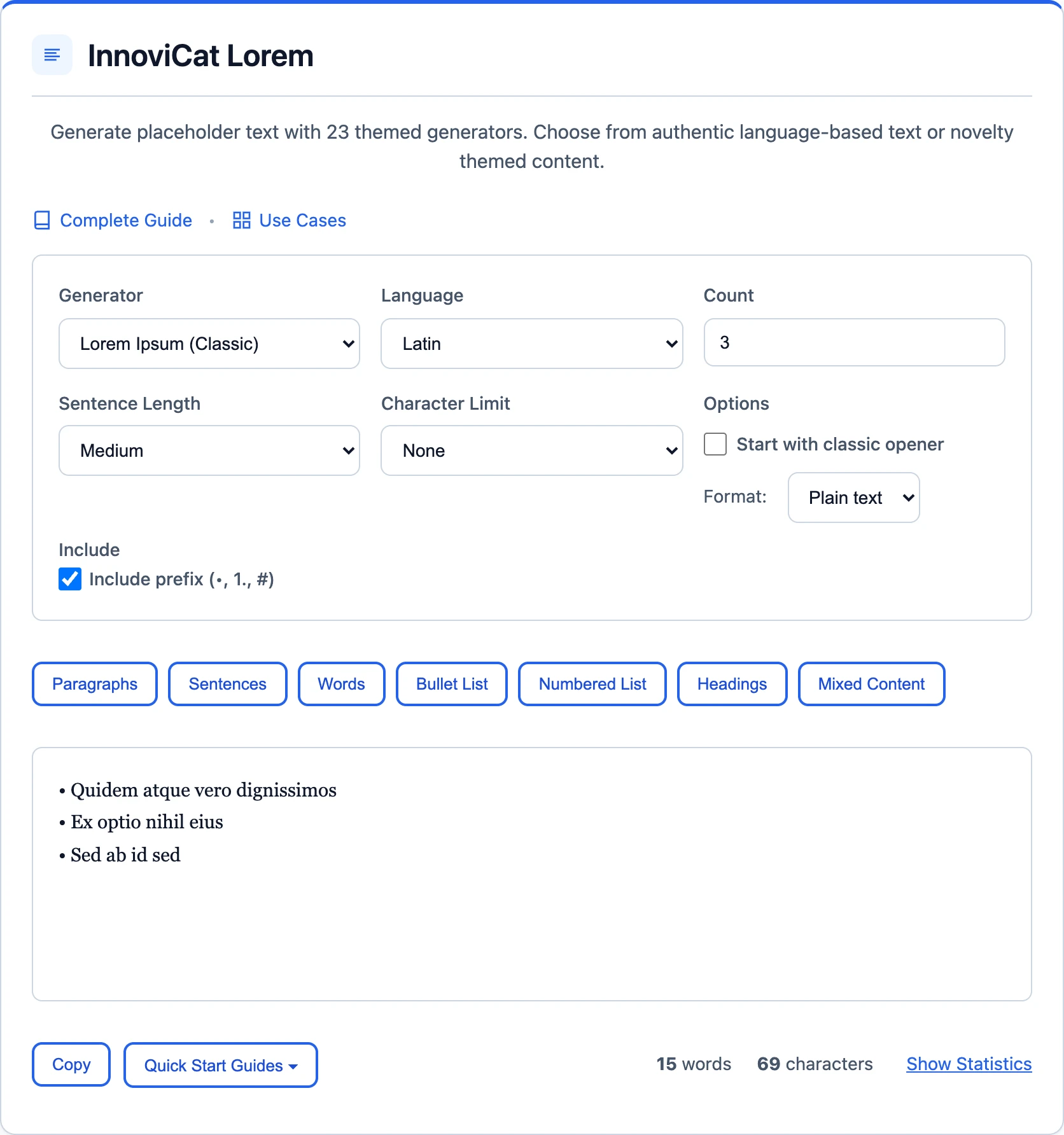
Generate Lorem Ipsum bullet lists in three easy steps:
1 Select List Output
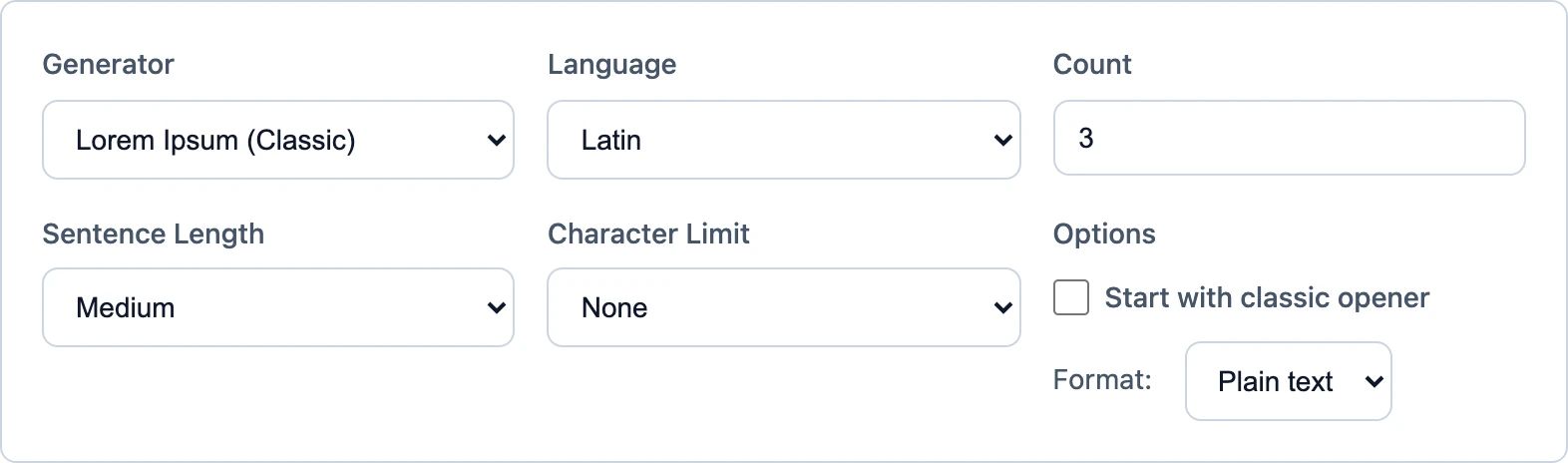
Open InnoviCat Lorem and choose Bullet List or Numbered List output.

Generator Settings
| Output Type: | Lists |
2 Set List Count
Enter the number of list items you need (1-50).
✓ Generate & Copy
Click Generate and copy your formatted list to the clipboard.
Bullet List Examples
Copy these ready-to-use bullet lists:
Short List (3 items)
• Lorem ipsum dolor sit amet
• Consectetur adipiscing elit
• Sed do eiusmod tempor
Medium List (5 items)
• Lorem ipsum dolor sit amet, consectetur adipiscing elit
• Ut enim ad minim veniam, quis nostrud exercitation
• Duis aute irure dolor in reprehenderit in voluptate
• Excepteur sint occaecat cupidatat non proident
• Sed ut perspiciatis unde omnis iste natus error
Numbered List
1. Lorem ipsum dolor sit amet, consectetur
2. Ut enim ad minim veniam, quis nostrud
3. Duis aute irure dolor in reprehenderit
4. Excepteur sint occaecat cupidatat non
5. Sed ut perspiciatis unde omnis iste
Available Formats
Our generator supports multiple bullet styles:
- • Standard bullets (•)
- - Dashes (-)
- 1. Numbered lists (1. 2. 3.)
- * Asterisks (*)
Tips for Lists
- Vary lengths: Test with both short and multi-line list items to check wrapping behavior.
- Test nesting: If your design supports nested lists, generate multi-level structures.
- Realistic counts: Most feature lists have 3-7 items. Test with realistic numbers.
Frequently Asked Questions
Can I generate numbered lists?
Yes! Select 'Lists' output type and choose numbered format in the options.
How many items can I generate?
You can generate lists with up to 50 items at once using the count field.
Related Use Cases
Advertisement