

Lorem Ipsum Word Count Guide
Generate the exact number of placeholder words you need — from 100 to 2000+ — with instant copy and 26 generators.
Opens generator with word output pre-selected
Word Count Quick Reference
How many words do you need? Use this table to find the right amount for your project, then click to generate instantly.
| Words | Pages | Reading Time | Common Uses | Generate |
|---|---|---|---|---|
| 100 | ⅓ page | ~30 sec | Short bios, meta descriptions, UI copy | Generate → |
| 250 | ½ page | ~1 min | Product descriptions, email blocks | Generate → |
| 300 | ⅔ page | ~1.5 min | About sections, team bios, card layouts | Generate → |
| 500 | 1 page | ~2 min | Blog posts, landing pages, article drafts | Generate → |
| 1000 | 2 pages | ~4 min | Long articles, documentation, reports | Generate → |
| 2000 | 4 pages | ~8 min | Multi-page layouts, e-books, print proofs | Generate → |
Choosing the Right Length
Different projects need different amounts of placeholder text. Here's a quick guide to help you pick the right word count.
Short-Form (100–300 words)
Short placeholder text works best for compact UI elements and quick design mockups where content should not dominate the layout.
- Product descriptions and e-commerce listings
- About sections and team member bios
- Email newsletter content blocks
- Blog post previews and card layouts
Medium (500 words)
500 words is the most common content length for web pages. It fills about one page and takes roughly two minutes to read.
- Standard blog posts and articles
- Landing page body copy
- Newsletter main content
- Academic essay testing
Long-Form (1000–2000 words)
Long-form placeholder text is ideal for stress-testing layouts that must handle large amounts of content, including scroll behavior and pagination.
- Long articles and tutorial pages
- Scroll behavior and lazy-loading tests
- Magazine and editorial layouts
- E-book and documentation formatting
Step-by-Step Walkthrough
Generate any number of placeholder words in three simple steps:
1 Select Words Output
Open InnoviCat Lorem and click the 'Words' button under output type. This switches the generator from paragraphs to a precise word count mode.

Generator Settings
| Output Type: | Words |
2 Set Your Word Count
Enter the number of words you need — from 1 to 10,000. Use the quick reference table above or type a custom number.
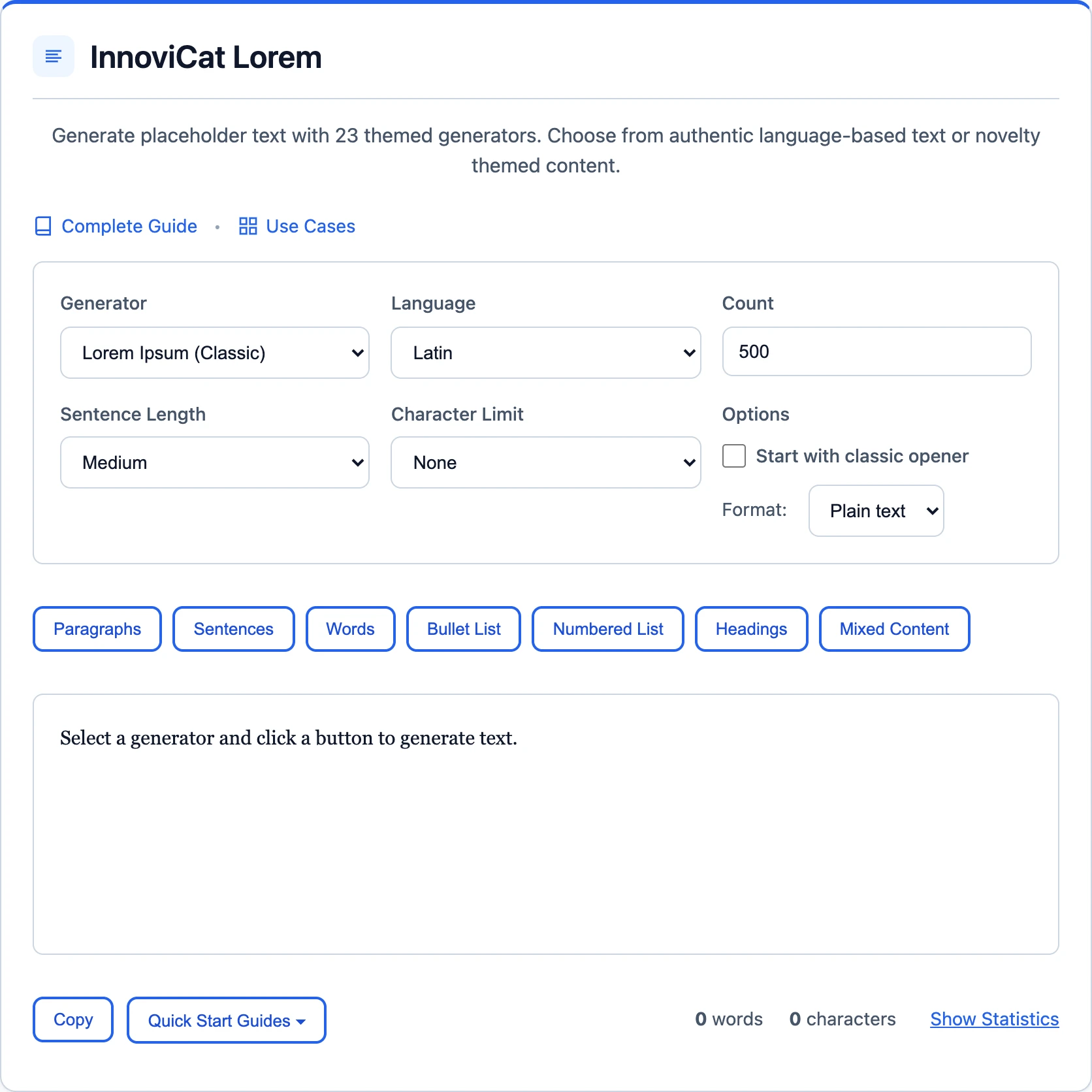
Generator Settings
| Output Type: | Words |
| Count: | 100 – 2000 |
✓ Copy and Use
Click 'Copy' to send the generated text to your clipboard, then paste it into your design tool, CMS, or code editor.
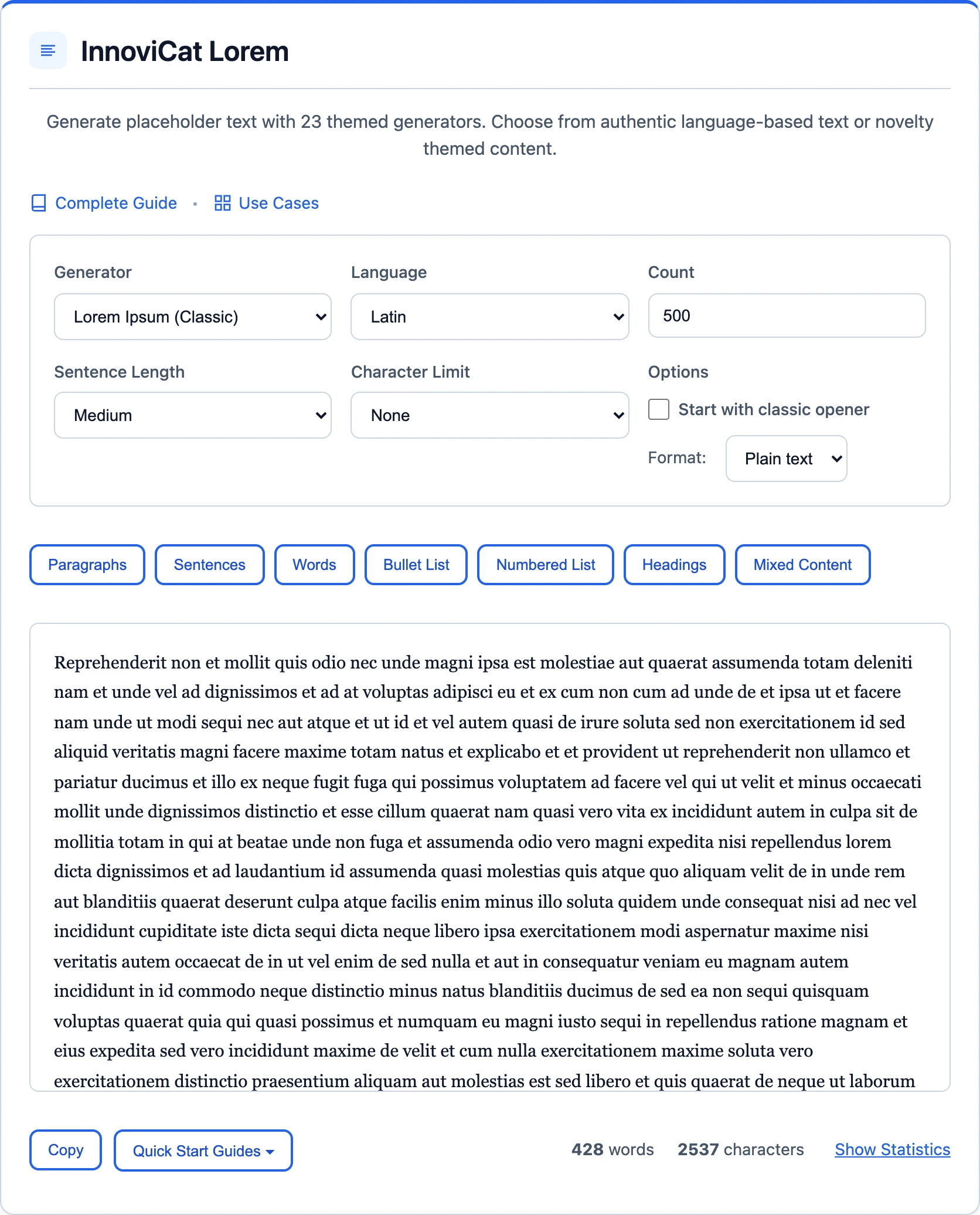
Multiple Style Options
Choose from 26 generators to match the tone of your project. Classic Lorem Ipsum for formal designs, Hipster or Coffee for creative mockups, Corporate for business layouts.
Tips for Word Count
- Match real content: Estimate your final content length so your layout test reflects the actual design.
- Test extremes: Generate both the minimum and maximum expected word counts to catch layout issues early.
- Try different styles: 500 words in Corporate style feels different from 500 words in Hipster style — test both for readability.
- Check reading time: At average reading speed, 500 words takes about 2 minutes. Use this to estimate user attention for your content.
Frequently Asked Questions
Is the word count exact?
Yes. When you select 'Words' as the output type and enter a number, the generator delivers that exact count every time.
What word counts can I generate?
Any number from 1 to 10,000. Use the preset links in the reference table or type a custom number.
How many pages is 500 words?
About one page with standard formatting (12pt font, single-spaced). Double-spaced, it fills roughly two pages.
Can I change the style after generating?
Absolutely. Switch generators and the word count stays the same — only the vocabulary and tone change.
What is the difference between words and paragraphs output?
Words output gives you an exact word count. Paragraphs output generates a set number of paragraphs, each with 4–6 sentences, so the total word count varies.